Saillage DTF: How to Boost Profit with Wholesale T-Shirt Printing in 2026
For small print shops and creators, 2026 is shapin...
More
A superior, softer transfer feel is achievable through precise adjustments. The process involves modifying design files to create voids and reducing material usage. Selecting the best dtf film and powder is crucial. A second heat press then embeds the design into the garment’s fibers for an optimal result.
Change your design file to make DTF transfers softer. Use halftones or distress effects to break up solid colors. This reduces ink and makes the print feel like part of the fabric.
Control how you use materials. Do not use too much adhesive powder. Choose good DTF film and powder. Pick the right fabric for your shirt. These steps help make the print less stiff.
Use the heat press correctly. Press the transfer a second time after peeling the film. This pushes the ink into the fabric. It makes the print much softer and removes any shine.

The journey to a softer transfer begins long before the heat press warms up. It starts within the design file itself. Strategic modifications to the digital artwork can dramatically reduce the amount of ink and powder applied to the garment. This initial step is fundamental for creating a print that feels less like a plastic layer and more like a part of the fabric. By creating intentional voids in the design, a printmaker can improve both the feel and the breathability of the final product.
Large, solid blocks of color are the primary cause of a thick, heavy-feeling DTF transfer. A professional technique to combat this is the use of halftones. Halftones convert solid colors and gradients into a series of small dots. This process reduces the total ink deposit while preserving the design's overall appearance from a distance. The empty space between the dots allows the transfer to stretch and breathe with the fabric.
Applying halftones, particularly when paired with other techniques, yields several key benefits for the final print:
Enhanced breathability: The voids created by the halftone pattern allow air and moisture to pass through the design.
A natural feel: The reduced ink coverage helps the transfer blend seamlessly with the texture of the garment.
Reduced ink density: This method maintains visual quality while making the shirt much more comfortable to wear.
Another powerful design strategy is applying a distress or vintage texture. This technique adds an aged, weathered look to the artwork by creating small cracks, scratches, and faded areas. These imperfections are not just an aesthetic choice; they are functional voids that break up the ink layer. The result is a transfer that is immediately softer and more flexible.
Designers can use specialized tools to achieve this effect efficiently. Many texture packs and brush sets are available for software like Adobe Photoshop. For example, a professional brush pack might offer a range of textures for creating authentic vintage looks.
Example Tool: Vintage Texture Brush Pack
Purpose: Adds weathered, aged, and worn-in looks to designs.
Textures Included: Cracked Paint, Small Crackle, Burnt Wood, and Sporadic Grit.
Compatibility: Designed for Adobe Photoshop CC.
Key Feature: Allows a designer to "paint" realistic texture directly onto the artwork, making it ideal for preparing graphics for DTF printing.
The knockout technique is an intelligent way to use the garment itself as a color within the design. This method involves removing any parts of the artwork that match the color of the shirt. For instance, on a black shirt, a designer would delete all black elements from the digital file. The black fabric of the shirt then shows through the transfer, filling in those negative spaces.
In graphic design software, the knockout technique removes specific areas of a design so the underlying shirt fabric becomes visible. While a white underbase is often used to make colors pop, knocking out areas allows the fabric to remain exposed. The transfer film might look strange before pressing, but the final application achieves a remarkably integrated look and a much softer feel.
Note: 📝 It is always best practice to perform a test print when using the knockout method. This ensures the final alignment and color interaction on the fabric meet the desired outcome.
Beyond the design file, the physical materials a printmaker uses directly influence the final texture of a DTF transfer. Careful management of adhesive powder, film, and the garment fabric itself is essential. Each component plays a role in whether the print feels stiff or integrates smoothly with the apparel.
The quantity of adhesive powder applied directly correlates with the stiffness of a finished transfer. Applying excessive powder is a common mistake that results in a thick, plasticky print. Proper powder application is a critical skill for achieving a soft hand feel.
Pro Tip: 💡 Allowing the ink to dry slightly before applying powder helps prevent the transfer from absorbing too much adhesive. Thoroughly shaking off all excess powder before curing is also essential for a smooth, flexible finish.
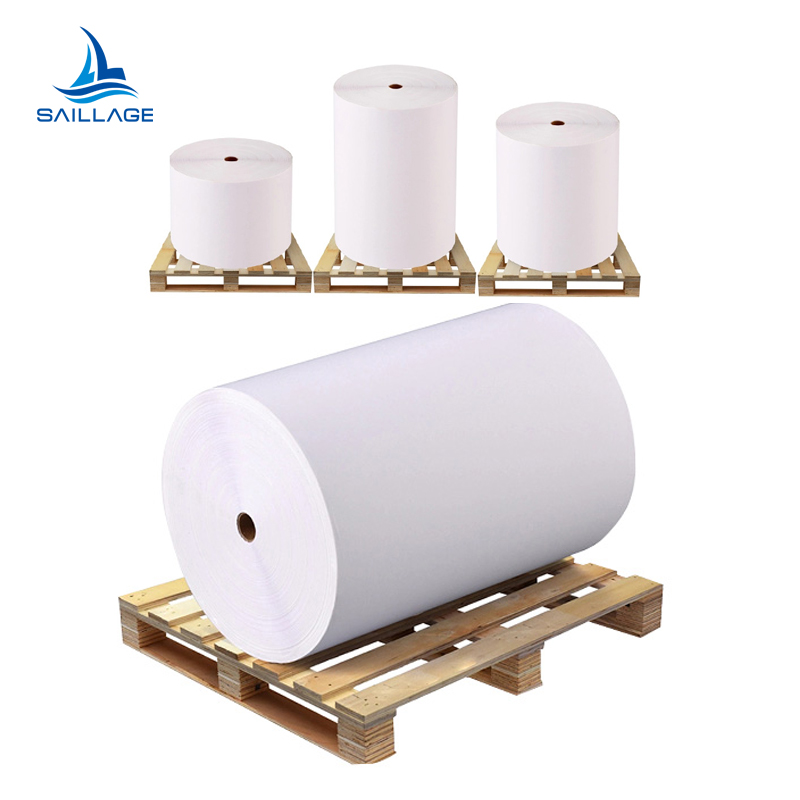
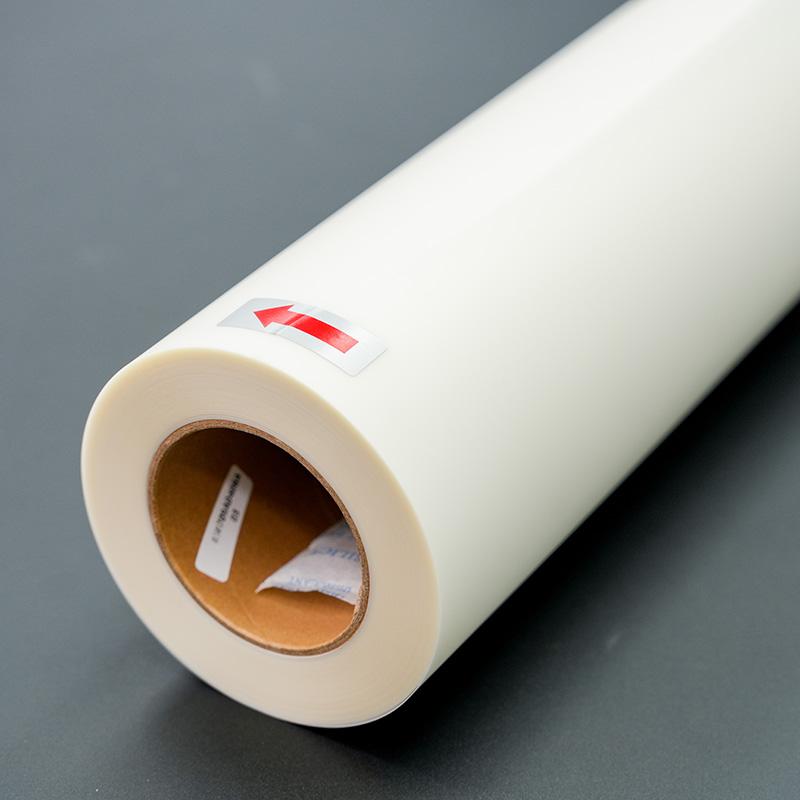
The quality of consumables is paramount. Not all materials are created equal, and finding the best dtf film and powder for a soft finish requires testing. Some films release more cleanly, while certain powders have a finer particle size that creates a less perceptible layer. Investing in the best dtf film and powder can significantly reduce stiffness. A printmaker should research and sample different options. The best dtf film and powder combinations often lead to superior softness and durability.
The garment itself provides the foundation for the transfer. The fabric's characteristics, such as weight and weave, impact the final feel.
Fabric Weight (GSM): Medium-weight shirts (150-180 GSM) offer an ideal balance. They provide enough structure to support the design without feeling overly stiff after pressing.
Texture and Weave: A smooth, tight weave is optimal for DTF. It ensures even adhesion and a clean look. Heavily textured fabrics like waffle-knits can cause an uneven finish.
Choosing the right fabric ensures the transfer has a smooth surface to bond with, enhancing the overall softness.

The heat press is where the magic happens. A printmaker's pressing technique is the final, critical factor that determines the transfer's hand feel. Proper application of heat, pressure, and time can transform a standard transfer into one that feels remarkably soft and integrated with the garment. This stage physically embeds the design into the fabric fibers.
Finding the perfect balance of pressure and temperature is essential. Excessive heat and pressure can force the adhesive to spread too far, creating a shiny, stiff edge around the design. Conversely, insufficient settings can lead to poor adhesion. The goal is to use just enough heat and pressure to melt the adhesive and bond it securely within the fabric's weave.
Operators should aim for a medium pressure setting. This ensures the transfer makes firm contact without squashing the ink layer. For temperature, it is often beneficial to press at the lower end of the recommended range for the specific film and powder being used.
Too Much Pressure: Flattens the fabric's texture and can cause the adhesive to ooze, creating a hard outline.
Correct Medium Pressure: Pushes the ink into the fabric fibers for a softer feel while ensuring a strong bond.
Too Little Pressure: Results in poor adhesion and a transfer that may peel after washing.
Note: 🌡️ Always refer to the manufacturer's guidelines for your specific DTF film and powder. Start with their recommendations and make small adjustments to dial in the perfect settings for your equipment and garments.
A second press is arguably the single most effective technique for achieving a softer hand feel. The first press adheres the transfer to the shirt. The second press, performed after the film is peeled away, serves a different purpose. It removes any remaining plastic-like shine and pushes the ink deeper into the garment's fibers. This process helps the design take on the texture of the fabric itself.
This step is non-negotiable for premium results. It melts the transfer more completely, improving both the feel and the long-term durability of the print.
Pro Tip: 💡 For the second press, a duration of 5-10 seconds is typically sufficient. This brief press provides all the benefits of softening the transfer without over-curing the ink or scorching the garment.
The cover sheet used during the second press directly influences the final texture and sheen of the transfer. Different materials produce distinct results, giving a printmaker significant control over the finished product. Experimenting with various cover sheets is a key step in developing a signature feel.
A Teflon sheet is a common choice, but it tends to create a shinier, smoother finish. For maximum softness and a desirable matte look, other options are superior.
| Cover Sheet Type | Resulting Finish | Feel & Softness | Best Use Case |
|---|---|---|---|
| Teflon Sheet | Glossy / Semi-Gloss | Smoothest surface, can feel less integrated. | When a shiny, vibrant finish is the primary goal. |
| Parchment Paper | Matte / Low Sheen | Softer feel, allows fabric texture to show through. | Achieving a modern, high-end matte appearance. |
| Kraft Paper | Textured Matte | Very soft, slightly textured feel. Excellent integration. | Creating a premium, retail-quality soft hand feel. |
By testing these cover sheets, an operator can consistently produce transfers with the exact finish and softness their clients desire.
For those seeking the absolute pinnacle of softness, mastering advanced tools and processes is the final frontier. These techniques move beyond basic adjustments and into the realm of expert-level print production. They offer granular control over every variable, ensuring a final product that is truly integrated with the garment.
For ultimate control, printmakers turn to Raster Image Processor (RIP) software. Programs like AcroRIP or CADlink Digital Factory provide precise command over ink application, which is crucial for a softer feel. A user can adjust ink density to find a perfect balance; a medium density often provides the best mix of vibrancy and softness. The software also allows for the use of small droplets, which creates smoother gradients and a less perceptible ink layer.
Most importantly, RIP software offers powerful control over the white underbase. A printmaker can use several settings to reduce ink buildup:
Lowering Opacity: A white base of 60–70% opacity is often sufficient for light-colored garments, reducing thickness.
Applying a Choke: This setting shrinks the white layer slightly, preventing it from spreading and adding stiffness.
Using Knockouts: The software can remove the white layer entirely from areas of the design where it is not needed.
Some professionals combine DTF with other decoration methods for unique, high-end results. For instance, a screen-printed base layer can be paired with a DTF overlay for fine details or photographic elements. This hybrid approach can reduce the overall plastic feel of a large design while retaining sharp detail. Another technique involves using DTF for small logos on garments primarily decorated with embroidery, creating a multi-textured, premium product.
Achieving consistent softness requires careful testing and documentation. A printmaker should create a detailed log to track variables for each print run. This record should note design settings, RIP software adjustments, pressing times, and cover sheet types. This systematic process helps a printer identify the perfect recipe for their equipment. It allows them to replicate premium results and determine the best dtf film and powder for their specific needs.
Achieving a softer DTF print requires balancing design, materials, and technique. A printmaker can reduce ink coverage with halftones and distress effects. A second press with a parchment or craft paper cover sheet is essential. Experimentation with these methods helps find the perfect recipe for any setup.
Future of Softness: 🚀 Innovations like powderless DTF printers, which use a special adhesive glue instead of powder, promise an even softer feel and greater efficiency.
Excessive powder application is the main cause of stiffness. Large, solid blocks of ink in the design also contribute to a thick, plastic-like feel on the final garment.
A second heat press is the most effective technique. This step embeds the ink into the fabric fibers, removes shine, and greatly improves the hand feel of the transfer.
Yes, it provides precise control over ink levels. A printmaker can reduce the white underbase and lower ink density, which significantly reduces the transfer's thickness and improves overall softness.



Select the most popular foreign trade service products to meet your diverse needs
Select the most popular foreign trade service products to meet your diverse needs

Tel: +86 17706217416
Add: Building L2A, No. 520, Lane 1588, Zhuguang Road, Hongqiao World Center, Qingpu District, Shanghai, China






User Comments
Service Experience Sharing from Real Customers
James Wilson
Print Shop OwnerAfter testing multiple brands, this DTF film and powder combo is by far the best. The transfer is incredibly crisp, the colors are vibrant, and the hand-feel is soft. My customers are thrilled with the durability on their apparel. A game-changer for my business!
Sophia Chen
Production ManagerOutstanding product consistency. The film releases perfectly every time, and the powder adheres evenly without clumping. It has significantly reduced our waste and reprint rate. Highly recommended for high-volume, quality-focused operations like ours.
David Rodriguez
Custom Apparel DesignerThe fine detail reproduction on dark fabrics is exceptional – the best I've worked with. The powder melts smoothly, leaving no residue. One star off only because the powder is a bit sensitive to humidity, but storing it properly solves that. Fantastic results overall.
Megan Foster
Merchandise CoordinatorThis combo has revolutionized our small boutique's in-house printing. It's user-friendly, reliable, and produces professional-grade transfers that wash beautifully. The film is durable during weeding, and the powder doesn't scatter. Perfect for businesses wanting top-tier DTF results.