Saillage DTF Film: Solve Holiday Apparel Headaches & Boost Sales
Whether you’re drowning in Black Friday orders or ...
More
Direct to Film (DTF) printing is a modern apparel decoration method. This process prints designs onto a special film for heat transfer. It offers unparalleled versatility, working on cotton, polyester, and blends. Core equipment includes direct to film dtf printers, inks, adhesive powder, and a heat press for application.
DTF printing is a new way to put designs on clothes. It works on many fabrics like cotton and polyester. This method uses special film, inks, powder, and a heat press.
The DTF process has five steps. First, print the design on film. Then, add adhesive powder. Next, heat the film to melt the powder. After that, press the design onto the fabric. Finally, peel the film to show the print.
Choosing the right DTF printer and supplies is important. Good inks and film make prints last longer and look better. A strong heat press helps the design stick well to the clothes.
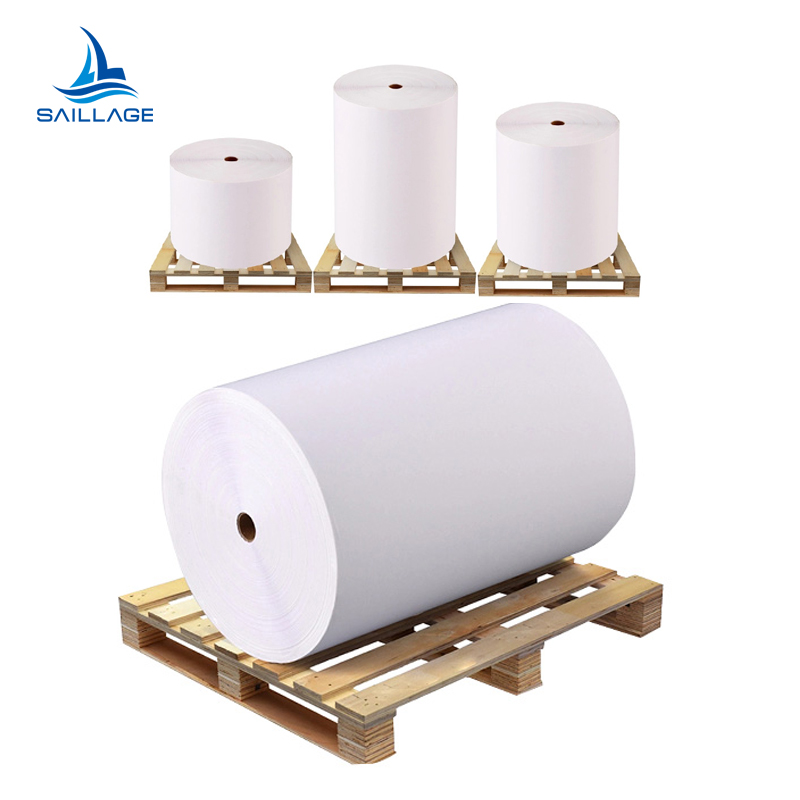
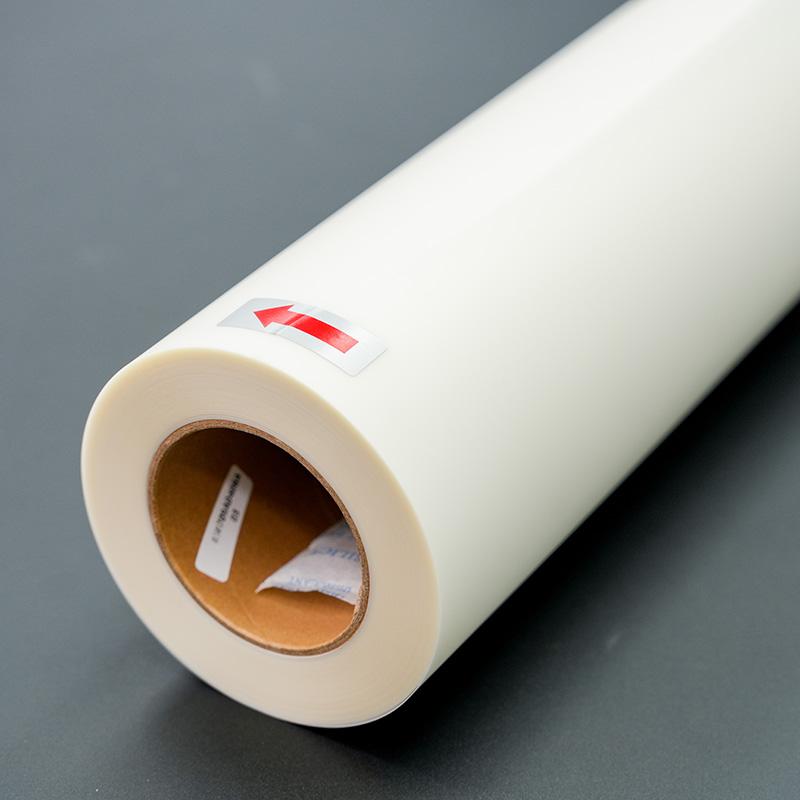
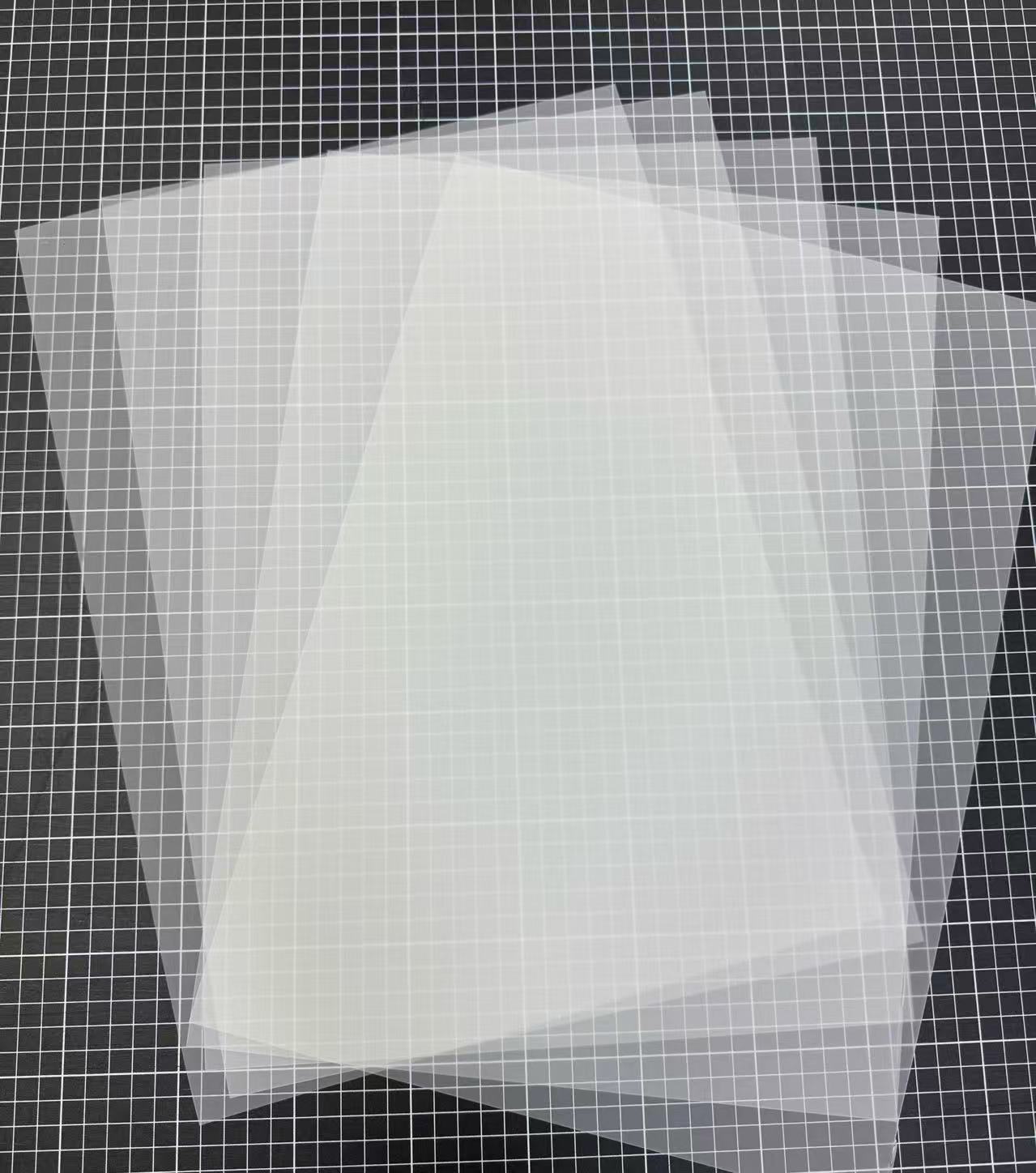
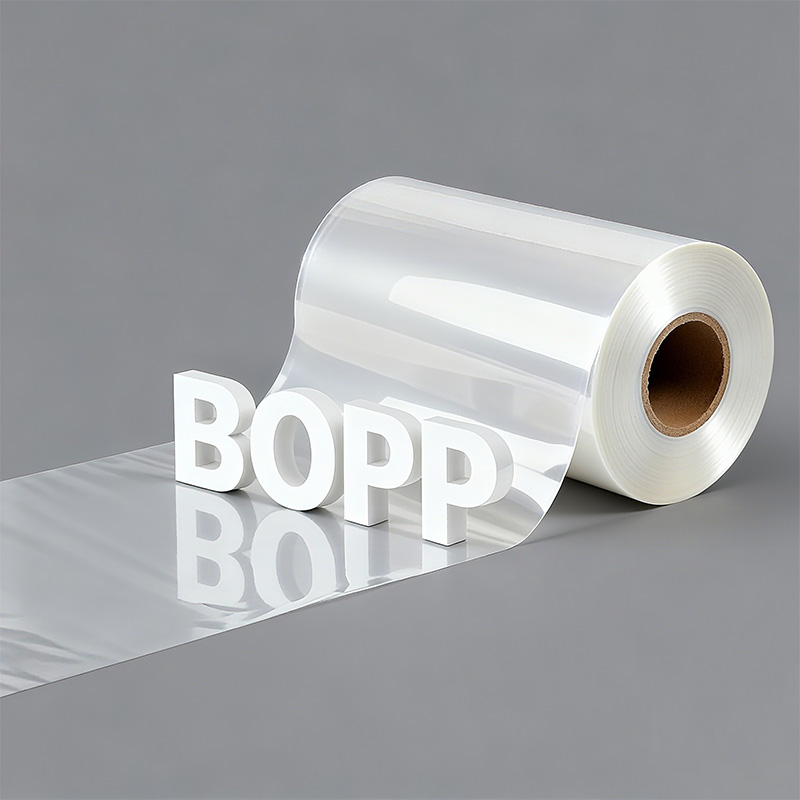
Direct to Film printing is an innovative transfer technology. The process involves printing a design directly onto a special Polyethylene Terephthalate (PET) film. This printed film is then heat-pressed onto a garment. The result is a full-color, durable graphic that feels like a soft, flexible screen print. This method bypasses the fabric pre-treatment required by other technologies, making it highly efficient.
The science behind DTF's versatility lies in its unique consumables. Specialized direct to film dtf printers use a specific ink set. The ink's formulation is key to its success and contains several important elements:
Pigments provide the vibrant color for the design.
Resins bind the ink components together for durability.
Adhesive components help the ink stick to the PET film.
After printing, a hot-melt adhesive powder is applied to the wet ink. This powder melts during the curing and pressing stages. It forms a powerful bond that fuses the design permanently to the fabric fibers. This combination of specialized ink, powder, and film is what allows DTF to adhere to a vast range of materials, from cotton and polyester to leather and nylon.
Pro Tip: The quality of the PET film is crucial. A good film ensures consistent ink absorption and a clean release after pressing, which is essential for a sharp, professional-looking final product.

The magic of DTF printing unfolds in a systematic, five-step process. Each stage is crucial for transforming a digital design into a durable, wearable graphic. Mastering this workflow is the key to achieving consistent, professional-quality results.
The process begins at the printer. An operator sends the final design file from the computer to one of the specialized direct to film dtf printers. The printer meticulously applies the CMYK colors first, then lays down a final, perfectly registered layer of white ink on top. This white ink layer serves as the base that makes the design opaque and vibrant on any color fabric.
Creating the ideal printing environment is essential for a flawless initial print. Operators must manage both temperature and humidity to prevent issues like ink bleeding, which can ruin a design's sharpness.
Optimal Room Temperature: 20°C – 28°C (68°F – 82°F)
Optimal Room Humidity: 45% – 60% relative humidity
Maintaining these conditions ensures the ink dries correctly on the PET film, preparing it for the next stage.
Immediately after printing, the design moves to the powdering stage while the ink is still wet. This step involves applying a hot-melt adhesive powder. This fine, granular polymer acts as the "glue" that will bond the ink to the fabric. Even application is critical for a smooth finish and strong adhesion.
For manual application, the operator follows a simple but precise method:
Apply Powder: Hold a shaker 4-6 inches above the film and sprinkle the powder generously over the entire printed design. Full coverage of all wet ink is necessary.
Remove Excess: Gently shake the film to allow excess powder to fall off. A light tap on the back of the film helps dislodge any loose particles. The powder will only stick to the wet ink.
Automated "shaker" units combine this application and excess removal into one seamless action, increasing efficiency for larger operations.
Next, the powdered film must be cured. This step melts the adhesive powder, transforming it from a grainy layer into a smooth, uniform sheet of adhesive. The film is passed through a curing oven or placed under a heat press set to hover just above the film without touching it. The heat activates the adhesive properties of the powder.
Critical Curing WindowThe goal is to melt the powder until it has an "orange peel" or gelatinous texture. The typical settings are:
Temperature: 320°F – 350°F (160°C – 177°C)
Time: 60 – 90 seconds
Over-curing can damage the adhesive, while under-curing results in a weak bond. Once cured, the DTF transfer is stable, ready for pressing, and can be stored for future use.
This is the transfer stage where the design meets the garment. The operator pre-presses the fabric for a few seconds to remove moisture and wrinkles, creating a flat, ideal surface. Then, the cured DTF transfer is placed on the garment with the design facing down. A protective sheet (like parchment paper) is often placed on top.
The heat press applies the necessary heat and pressure to activate the adhesive and bond the ink permanently to the fabric fibers. Settings must be adjusted based on the material to prevent scorching or dye migration.
| Fabric Type | Temperature (°F) | Pressure | Duration (seconds) |
|---|---|---|---|
| 100% Cotton | 320-350 | Medium | 12-15 |
| Polyester & Synthetics | 270-300 | Medium | 10-12 |
The final step is the "peel," which reveals the finished product. The type of PET film used determines the peeling method. There are two main types: hot peel and cold peel. The choice between them affects production speed and the final texture of the print.
| Feature | Hot Peel Film | Cold Peel Film |
|---|---|---|
| Peeling Time | Immediately after pressing | After the film has cooled completely |
| Final Texture | Softer, smoother, matte finish | Slightly thicker feel, glossy finish |
| Production Speed | Faster, ideal for bulk orders | Slower due to the cooling period |
After the operator peels the film away, the process is complete. The result is a vibrant, full-color, and remarkably durable design fused directly onto the apparel. A final, short post-press (5-7 seconds) with a protective sheet can further enhance durability and improve the feel.
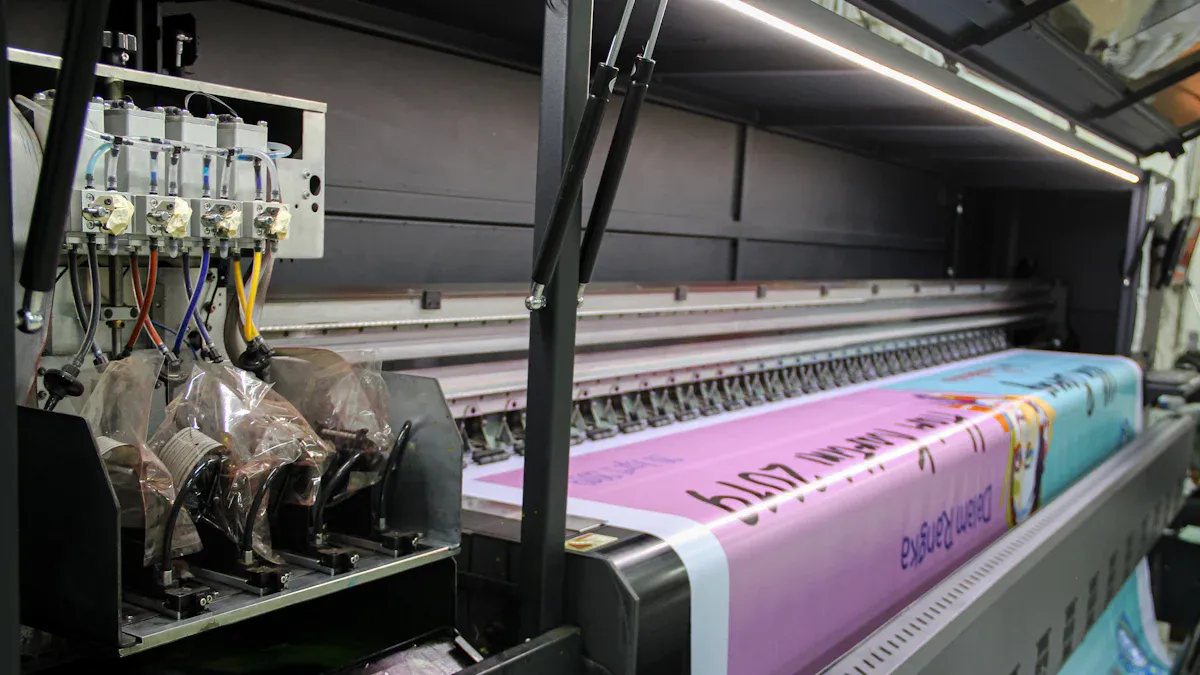
Assembling the right DTF starter kit is the most critical investment for any new apparel decoration business in 2026. The quality of each component, from the printer to the powder, directly impacts the final product's vibrancy, durability, and feel. A thoughtful selection of equipment and consumables lays the foundation for a smooth workflow and professional results.
The DTF printer is the heart of the entire operation. It dictates print size, speed, and resolution. For beginners, the market offers a range of models tailored to different production volumes and budgets. An operator's choice should align with their business goals, balancing initial cost with long-term performance and maintenance needs.
The following table outlines popular entry-level choices for 2026, categorized by typical usage and budget.
| Print Volume | Budget | Maintenance | Recommended Model |
|---|---|---|---|
| < 100 prints/month | Under $1,500 | Low maintenance | jinlong DTF Mini A4 – beginner-friendly and compact |
| < 100 prints/month | $1,500 – $3,000 | Moderate | Procolored Panda A3 – easy software & solid output |
| 100-500 prints/month | $1,500 – $3,000 | Moderate | jinlong DTF Pro L18050 – best overall & value |
| Budget conscious | Under $1,000 | Accept risk | Mophorn A3 DTF – cheapest entry, watch for issues |
Beyond these, other models have gained significant traction due to strong user feedback. The InkSonic XP600 U13, for example, is often recommended for its user-friendly digital panel and 13" print width. Printers like the R1390 A3+ and L1800 A3+ also have hundreds of user reviews, indicating a large community for support and troubleshooting.
High-quality consumables are just as important as the printer itself. DTF inks and PET film determine the print's color fidelity, wash resistance, and overall feel.
DTF inks are available in standard (affordable) and premium formulations. While standard inks are great for beginners and casual use, premium inks offer tangible benefits for businesses aiming for top-tier quality and durability.
| Feature | Premium DTF Inks (e.g., STS, Kodak) | Standard/Affordable DTF Inks |
|---|---|---|
| Wash Durability | Excellent (40-50+ cycles without major fading) | Shorter wash life (may fade after ~20 cycles) |
| Color Vibrancy | Vibrant, consistent colors and rich depth | Decent performance, may lack premium vibrancy |
| Clogging | Low-clogging formula for fewer nozzle issues | Higher risk of clogging compared to premium |
| Professional Use | Ideal for professional shops and bulk production | Better for beginners or small operations |
| Cost | Higher upfront cost | Affordable and budget-friendly |
Similarly, the PET film choice matters. Operators must select between hot peel and cold peel films. Hot peel film allows for faster production, while cold peel film generally produces a glossier, slightly thicker finish.
The hot-melt adhesive powder is the unsung hero of the DTF process. This granular polymer melts to form the bonding layer that fuses the ink to the fabric. Using the correct grade of powder is essential for achieving both a strong bond and a desirable hand-feel on the final garment. Different powder grades are designed for specific fabric types.
Pro Tip: Always match the powder grade to the fabric's weight and texture. Using a coarse powder on a lightweight t-shirt will result in a stiff, uncomfortable print.
| Powder Grade | Particle Size | Suitable Fabrics |
|---|---|---|
| Fine Powder | 0–80μm | Lightweight fabrics (cotton, silk, polyester blends) |
| Medium Powder | 80–200μm | General use (T-shirts, cotton, polyester, blends) |
| Coarse Powder | 150–250μm | Heavy or coarse textiles (denim, canvas, linen) |
| Black Powder | 80–200μm | Dark-colored synthetics to block dye migration |
| Solid Lock Powder | 80–170μm | Difficult substrates (nylon, leather, coated textiles) |
A reliable heat press is non-negotiable. It delivers the precise heat and pressure needed to cure the adhesive and create a permanent bond. An inadequate press can lead to inconsistent transfers, poor adhesion, and wasted materials. When selecting a heat press, operators should focus on several key features:
Temperature Accuracy: The press must maintain consistent heat across the entire platen to avoid cold spots that cause uneven curing.
Even Pressure: DTF requires medium, even pressure. A press with reliable pressure adjustments ensures the design adheres uniformly.
Platen Size: The platen should be slightly larger than the biggest designs. A 16x20 inch press is a versatile standard for t-shirts.
Press Style: Options include clamshell (space-saving), swing-away (offers a clear workspace), and drawer-style (a hybrid of the two). The choice depends on workspace and workflow preferences.
While a basic setup includes a printer, consumables, and a heat press, two additional tools can dramatically improve workflow efficiency and print quality: a dedicated curing oven and Raster Image Processor (RIP) software.
A curing oven is designed specifically for melting the adhesive powder. While a heat press can perform this step by hovering over the film, a dedicated oven offers superior consistency and speed, especially for larger batches.
| Feature | Dedicated Curing Oven | Heat Press (for Curing) |
|---|---|---|
| Heat Distribution | Even, all-over heat eliminates cold spots | Risk of inconsistency and uneven melting |
| Efficiency | Cures multiple sheets continuously | Cures one sheet at a time; slower process |
| Automation | Hands-off, automated process | Manual placement and operation for each sheet |
| Cost | Higher initial investment | Utilizes existing equipment; cost-effective |
RIP software acts as the brain for direct to film dtf printers. It translates the digital design file into precise printing instructions, giving the operator control over critical variables that a standard printer driver cannot manage. Its primary functions are to enhance color accuracy and improve ink efficiency.
Color Accuracy: RIP software uses ICC profiles to ensure the colors on the screen match the final printed output. It allows for fine-tuning specific shades, managing color channels, and ensuring brand colors are reproduced perfectly every time.
Ink Efficiency: White ink is a major recurring cost. RIP software can reduce white ink consumption by 15–30% by optimizing the underbase. It enables techniques like "knockout" (removing white ink from under colored areas) and "choke" (slightly shrinking the white layer) to use only the necessary amount of ink without sacrificing opacity.
Ultimately, investing in RIP software transforms capable direct to film dtf printers into professional production machines, preventing wasted materials and ensuring every print is vibrant, accurate, and durable.
Choosing the right printing method depends on the project's specific needs. DTF printing offers a unique balance of quality, versatility, and efficiency. It stands out when compared to other popular apparel decoration techniques.
DTF and DTG are both digital printing methods, but they differ in application and durability. DTG printers apply ink directly onto the fabric, which requires pre-treatment. DTF, however, prints onto a film for later transfer. This key difference gives DTF superior fabric versatility and wash resistance.
| Printing Method | Wash Durability After 50 Cycles |
|---|---|
| DTG | Less durable, can withstand 20-50 washes |
| DTF | Durable, can withstand 50-100 washes |
DTF prints show strong adhesion on cotton, polyester, and blends. DTG performs best on 100% cotton.
Screen printing is a traditional method ideal for large runs of simple designs. It uses stencils to apply layers of ink. DTF printing is a digital process that excels with complex, multi-color artwork. It effortlessly reproduces photo-realistic images, intricate details, and smooth gradients in a single pass. Screen printing struggles with such complexity and is better suited for bold, solid-color graphics.
Sublimation offers a print with zero hand-feel, as the ink becomes part of the fabric fibers. However, its application is very limited. DTF overcomes these limitations significantly.
Fabric Type: Sublimation only works on polyester or specially coated materials. DTF is compatible with almost any fabric, including cotton, leather, and nylon.
Fabric Color: Sublimation requires light-colored garments. DTF uses a white ink base, producing vibrant prints on dark fabrics.
Feel: A sublimation print cannot be felt. A DTF print has a soft, flexible, slightly raised texture on the garment's surface.
DTF printing presents a compelling option for apparel decorators, but operators should weigh its benefits against its potential drawbacks. Understanding both sides ensures an informed investment.
DTF technology offers significant benefits, especially for startups and small businesses. Its primary advantage is unparalleled versatility. An operator can print on nearly any fabric, including cotton, polyester, blends, and even denim. This flexibility allows businesses to expand their product offerings easily.
The method also streamlines production by eliminating the need for fabric pre-treatment, saving time and reducing chemical use. Key benefits include:
High-Quality Output: It produces vibrant, detailed graphics.
Exceptional Durability: High-quality prints can endure 50 to 100 wash cycles without significant fading or cracking.
Cost-Effectiveness: Lower setup costs compared to screen printing make it ideal for small-to-medium runs.
Speed and Simplicity: The user-friendly process and fast transfer time boost efficiency.
One entrepreneur noted, "DTF completely changed the game for me. I was able to start small... The prints' quality left my customers amazed, and I did not need technical skills to begin.”
Despite its strengths, DTF printing has challenges. Consistent maintenance is non-negotiable. Neglecting regular cleaning can lead to clogged printheads and expensive repairs, causing unexpected downtime. Proactive upkeep is crucial for the equipment's longevity.
Environmental impact is another consideration. The process generates plastic waste from used PET films, which can sit in landfills. Additionally, heating the adhesive powders can release Volatile Organic Compounds (VOCs) into the air, requiring proper ventilation. Finally, the resulting print has a soft but noticeable hand-feel on the garment, which differs from the zero-feel of sublimation.
Navigating the DTF process for the first time can present challenges. New operators often encounter a few common hurdles that can impact print quality and equipment health. Understanding these pitfalls is the first step toward producing flawless, professional-grade apparel consistently.
A primary issue for beginners is neglecting printer maintenance, which leads to clogged printheads. This problem frequently stems from the unique properties of DTF ink.
The heavy pigments in white ink can settle and separate when the printer is idle.
Poor-quality inks containing impurities often obstruct the fine nozzles.
Dry air causes ink to crust inside the printhead.
Solution: An operator must perform daily maintenance, including nozzle checks and cleanings. Using high-quality, manufacturer-approved inks is essential. Maintaining a stable environment with 40% to 60% humidity also prevents ink from drying prematurely.
Another frequent mistake is an improper transfer process, resulting in prints that crack or peel after washing. This durability issue almost always points to errors in application. Operators can prevent this by following a precise workflow.
Pre-press the garment. A quick 5-7 second press removes moisture and wrinkles, creating an ideal surface for adhesion.
Ensure proper curing. The adhesive powder must be melted correctly, typically around 320°F (160°C), until it achieves a smooth, gelatinous texture.
Use correct heat press settings. Applying the transfer with insufficient heat, pressure, or time will create a weak bond. A setting of 300–320°F for 10–15 seconds with medium pressure is a reliable starting point for cotton.
Mastering these fundamental maintenance and application steps helps any beginner avoid costly errors and achieve durable, vibrant results.
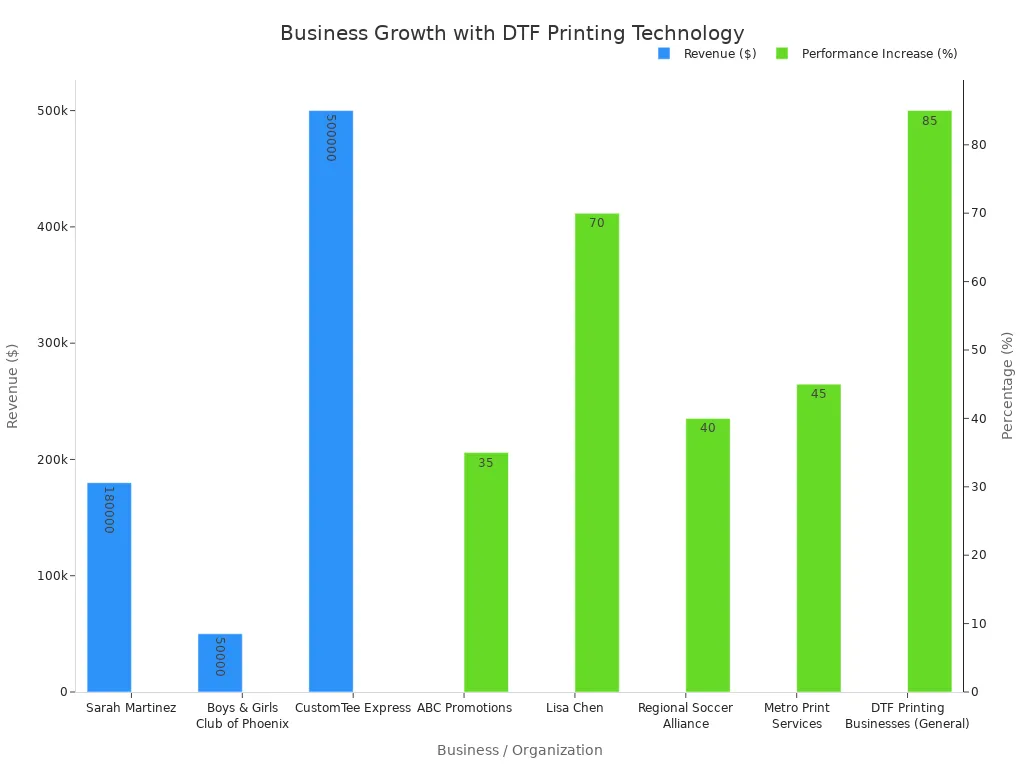
In 2026, DTF printing stands as a versatile, high-quality, and accessible choice for custom apparel. It offers a powerful solution for small-to-medium runs on various fabrics, bridging the gap between other methods. Businesses adopting this technology have demonstrated significant growth and profitability.
An operator's next step is to explore starter bundles or watch video tutorials to see the process in action.
A quality DTF print endures 50 to 100 wash cycles. It resists cracking and fading, offering excellent durability for custom apparel.
No. An operator needs a dedicated DTF printer. These machines handle specialized pigment inks and the essential white ink layer required for the process.
A DTF print has a soft, flexible texture on the fabric. The final result feels similar to a high-quality, lightweight screen print.



Select the most popular foreign trade service products to meet your diverse needs
Select the most popular foreign trade service products to meet your diverse needs

Tel: +86 17706217416
Add: Building L2A, No. 520, Lane 1588, Zhuguang Road, Hongqiao World Center, Qingpu District, Shanghai, China






User Comments
Service Experience Sharing from Real Customers
Michael Rodriguez
Print Shop OwnerOur DTF printer has revolutionized our custom apparel business. The print quality is exceptional, with vibrant colors and excellent detail on dark fabrics. The white ink underbase is flawless, and the machine has been running reliably for months with minimal maintenance. A game-changer for small batch orders.
Sarah Chen
Graphic DesignerAs a designer working with various clients, the direct-to-film printer allows me to bring intricate designs to life on any fabric. The color accuracy from screen to shirt is impressive. Setup was straightforward, and the learning curve was minimal. It's opened up new creative possibilities for our studio.
James Wilson
Production ManagerThis DTF printer has significantly increased our production efficiency. The speed and consistency are outstanding, allowing us to fulfill large orders without compromising quality. The durability of the prints after washing is superior to other methods we've tried. Highly recommended for any serious print business.
Lisa Thompson
Small Business OwnerStarting a side hustle in personalized gifts, this DTF printer was the perfect investment. It's user-friendly, cost-effective for low volumes, and produces professional-grade results. The ability to print on cotton, polyester, and blends has let me expand my product line dramatically. Customer feedback on print quality has been phenomenal.