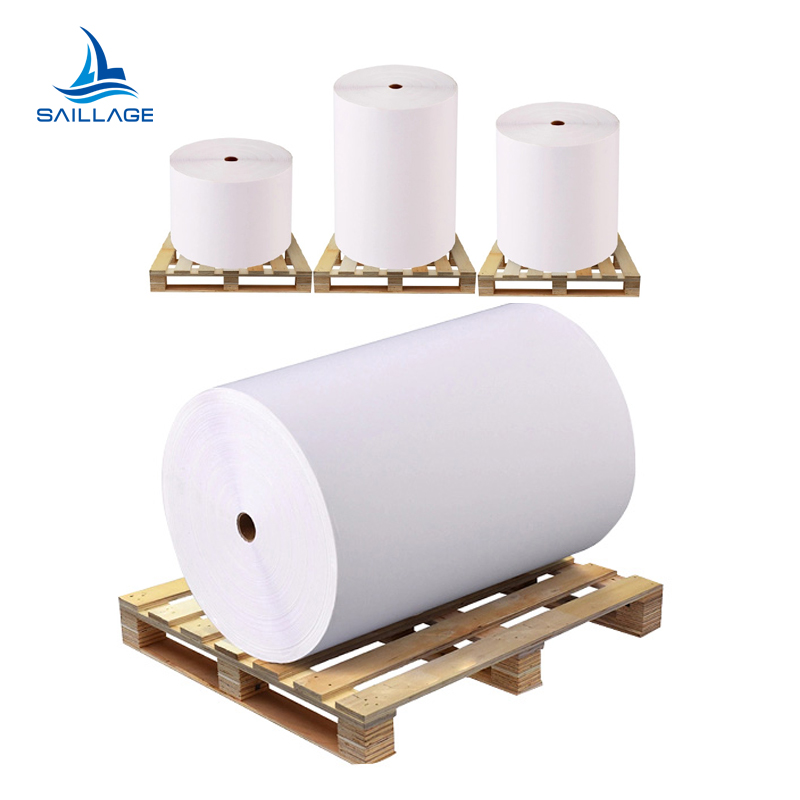
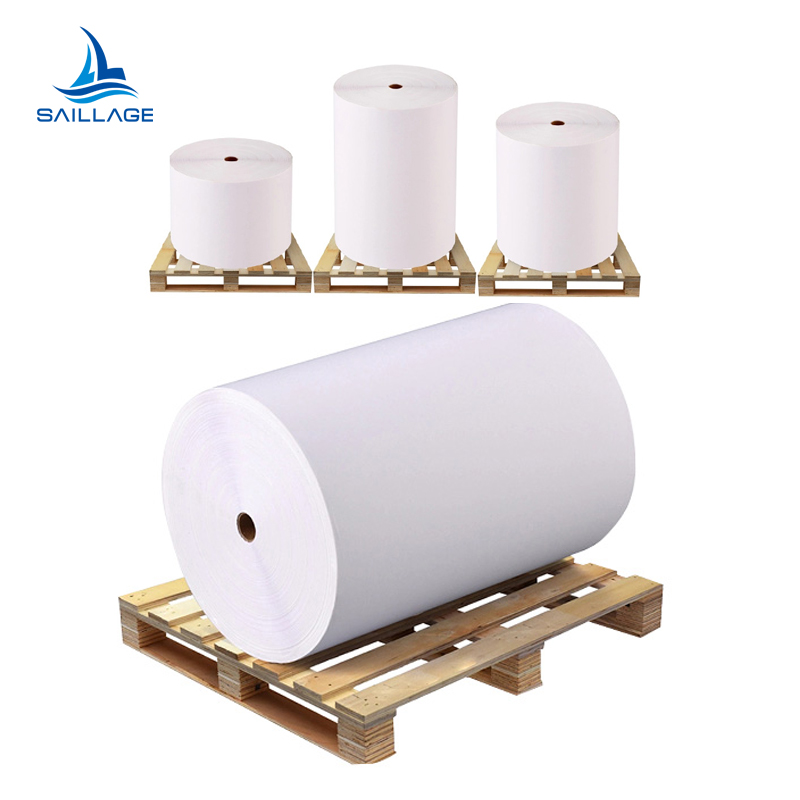
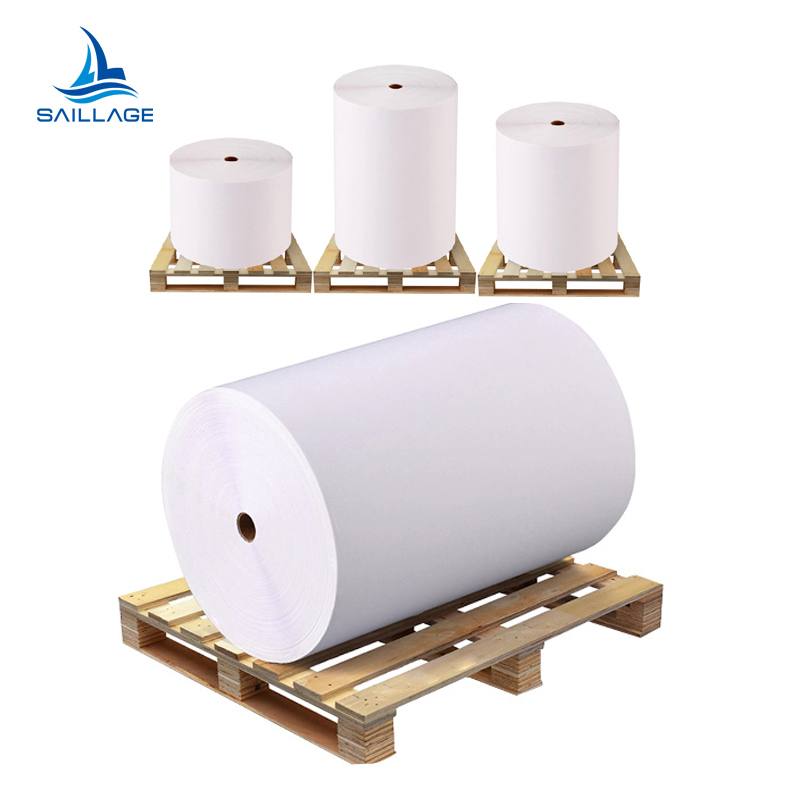
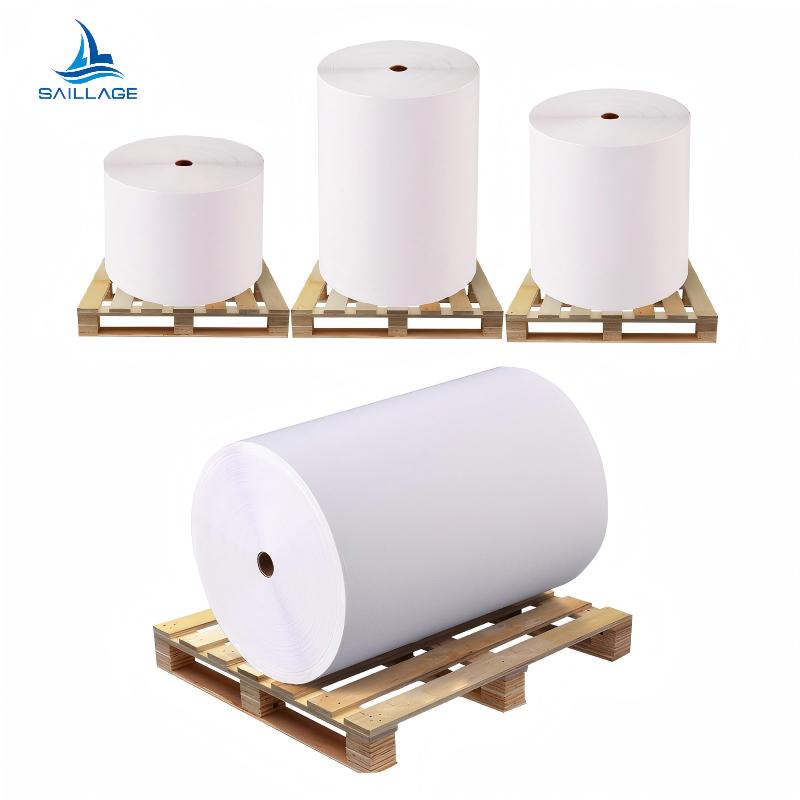
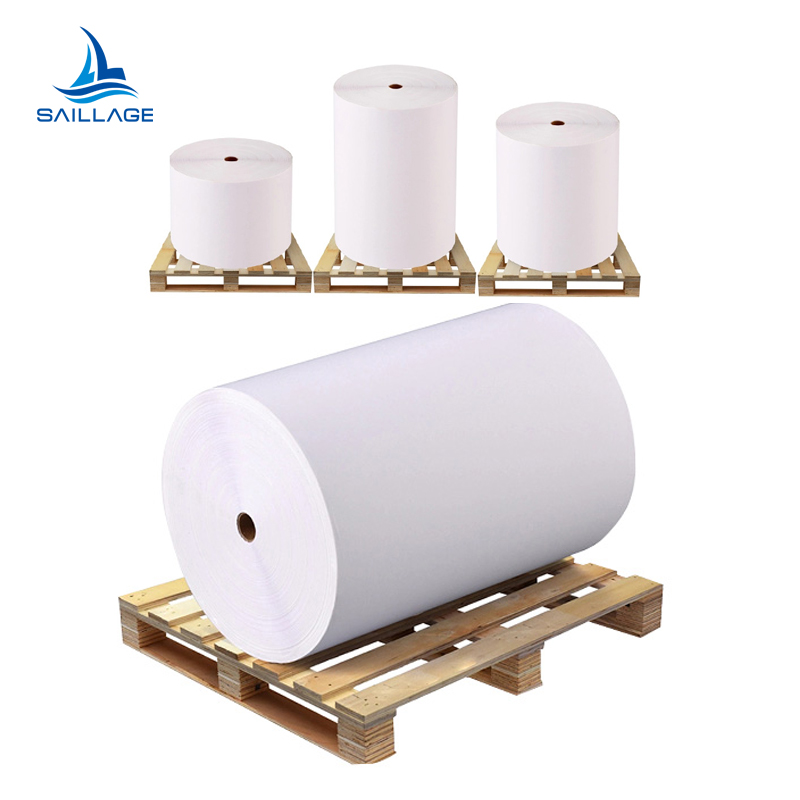
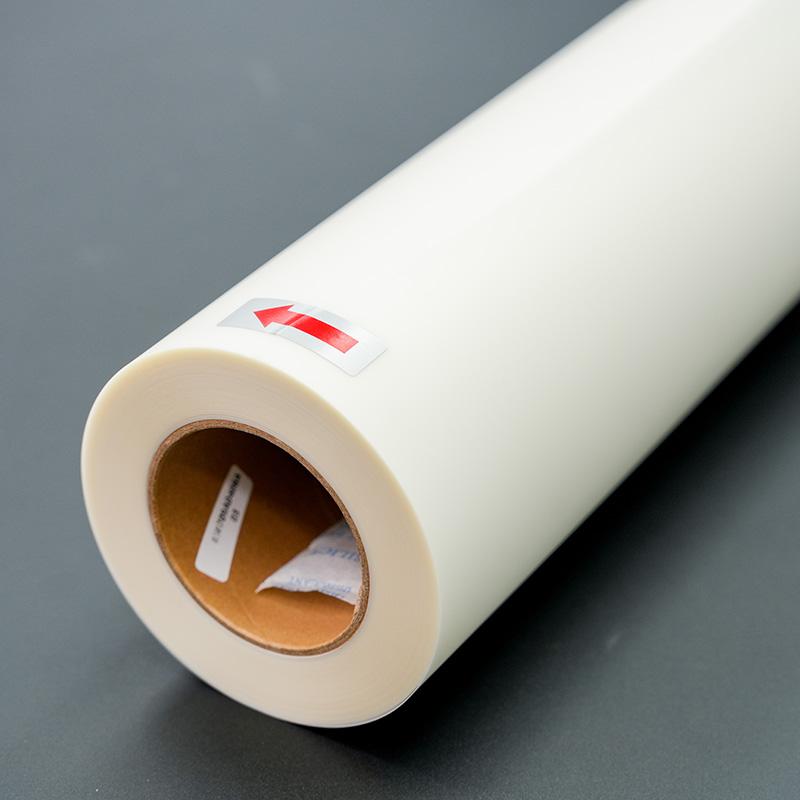
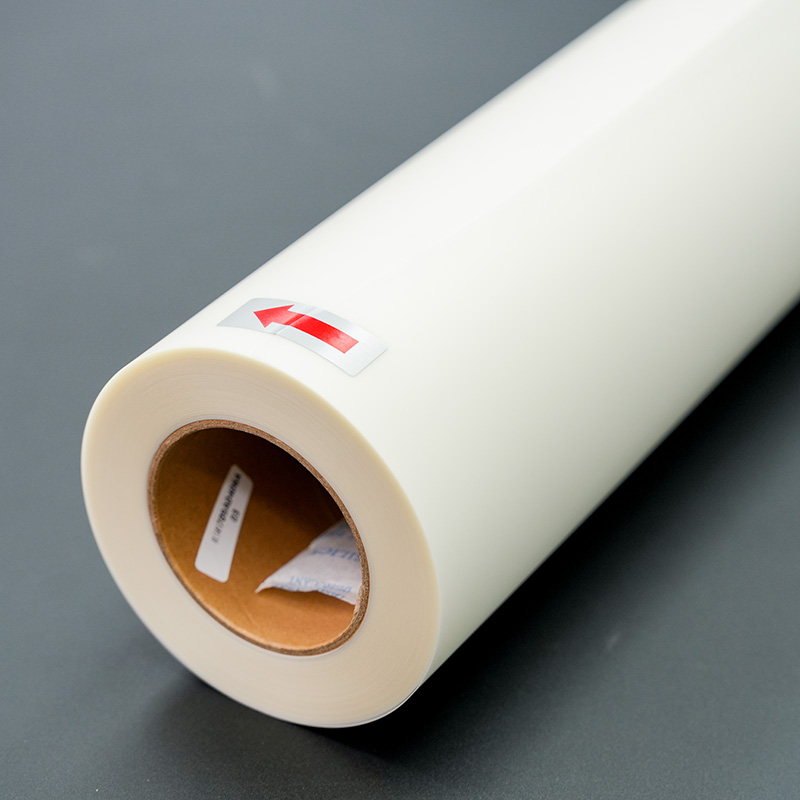
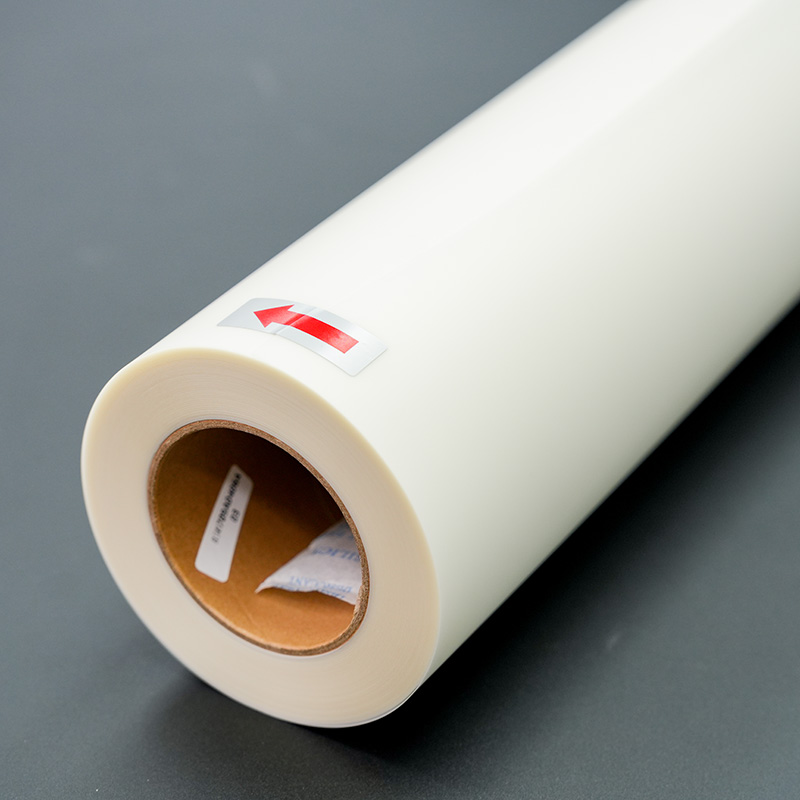
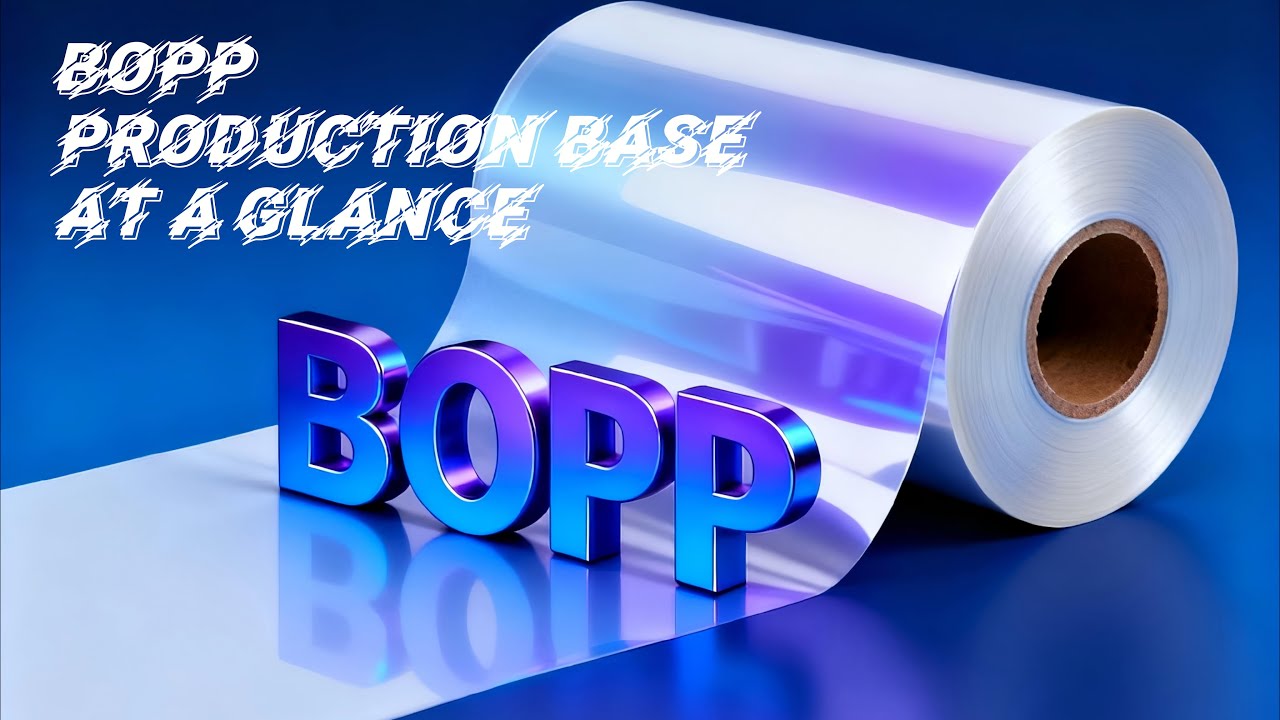
What is BOPP Film
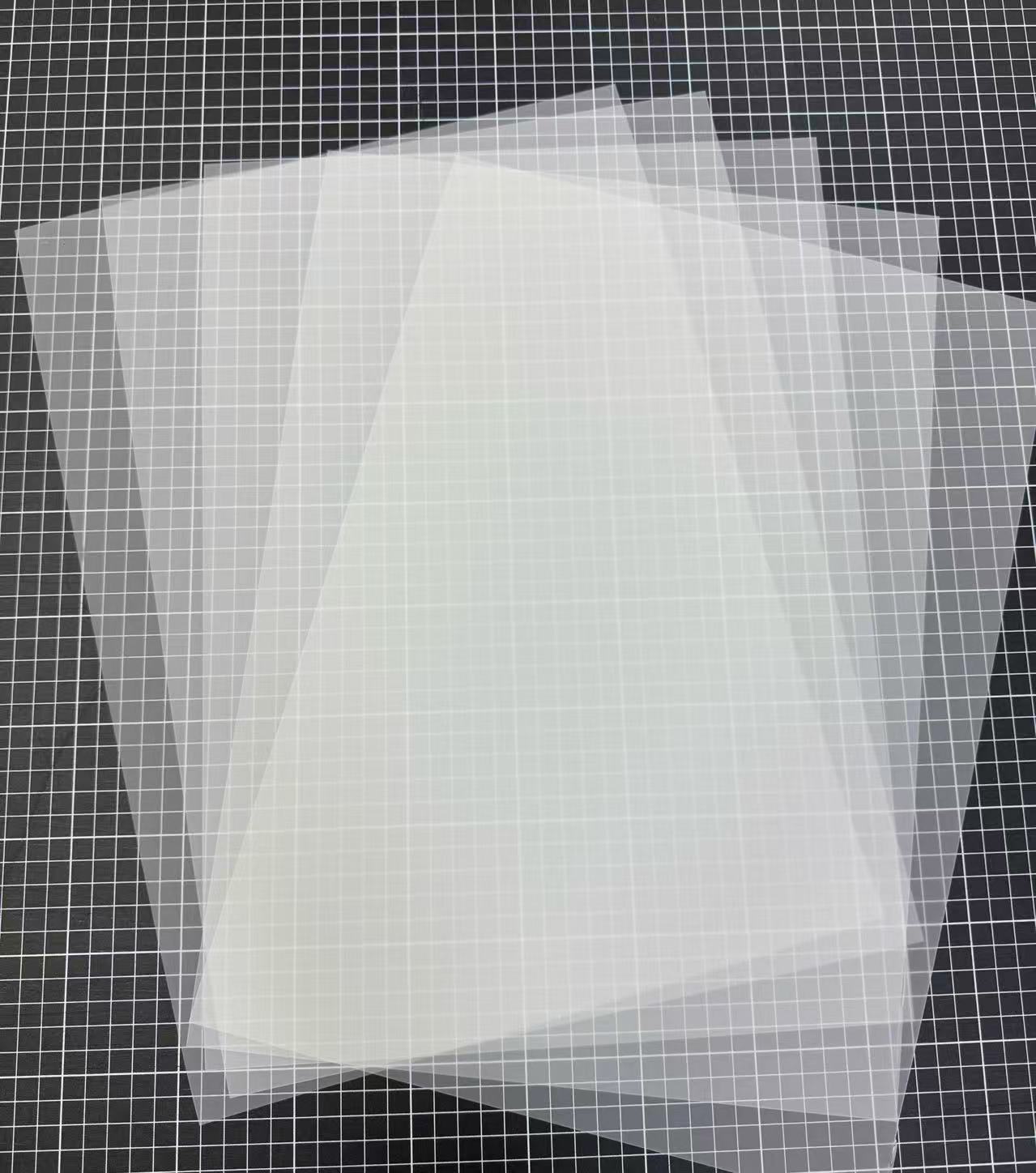
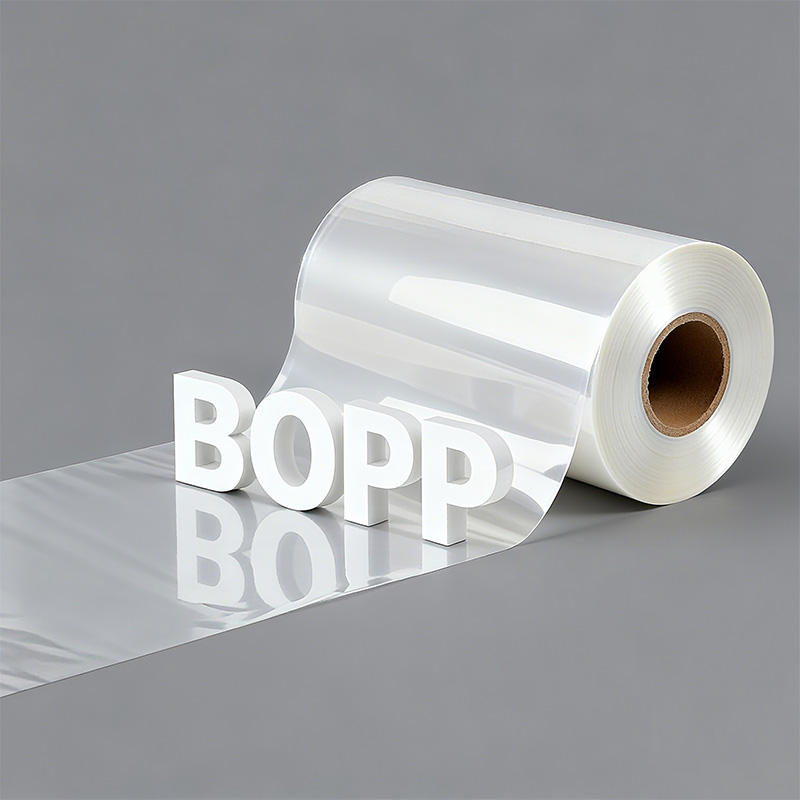
BOPP Film, short for Biaxially Oriented Polypropyl...
More
Pro Tip: The optimal pressing window for most DTF transfers falls between 10 and 15 seconds.
This duration is the key to achieving a durable print that resists peeling, cracking, or fading. A printer’s exact time, however, varies. The type of dtf film and the garment’s fabric composition require slight adjustments for perfect adhesion.
Achieving the perfect 10-15 second press requires a printer to consider two primary variables: the type of transfer film and the garment's fabric composition. Each combination demands a slightly different approach to guarantee a print that is both visually stunning and exceptionally durable.
The type of dtf film a printer uses is a critical factor in determining the pressing process. The difference between cold, warm, and hot peel films lies in the chemical makeup of their release layers. This microscopic coating is engineered to detach the ink and adhesive from the film at a specific temperature.
Hot/Warm Peel Films have a release layer that detaches while the transfer is still hot or warm. They use a quicker-setting adhesive, which facilitates a faster production workflow.
Cold Peel Films require the transfer to cool completely before the film is removed. This process allows the adhesive to form a stronger, more permanent bond with the fabric fibers, resulting in a more durable and vibrant print.
While the base components are similar, the release layer in a hot peel dtf film becomes more adhesive when hot. Conversely, a cold peel film's release layer remains inert when heated, which necessitates a full cooling period for proper bonding.
Note: Cold peel transfers often require a slightly longer press time, around 15-20 seconds, to ensure the adhesive fully melts into the fabric. This extended dwell time is key to its superior durability.
For a clear comparison, printers can refer to these general guidelines:
| Film Type | Pressing Duration | Recommended Temperature | Peeling Instruction |
|---|---|---|---|
| Hot Peel | 10-15 seconds | ~320-375°F (160-190°C) | Peel immediately while hot. |
| Cold Peel | 15-20 seconds | ~300-320°F (150-160°C) | Let cool completely before peeling. |
Natural and blended fabrics have unique properties that influence pressing time. Moisture content and fiber composition are the main considerations.
For 100% Cotton:Cotton is a natural fiber that retains moisture. This moisture can turn into steam during pressing, preventing the DTF adhesive from properly bonding. A printer must pre-press the garment for 2-3 seconds to remove moisture and wrinkles, creating a flat, dry surface for optimal adhesion. After pre-pressing, a standard 10-15 second press is usually sufficient.
For Cotton/Polyester Blends (50/50 and Tri-Blends):Blends require a balance. The heat must be adequate for the cotton fibers without scorching the heat-sensitive polyester.
50/50 Blends: A pressing time of 12-15 seconds is ideal. This duration is long enough to cure the adhesive on the cotton without overheating the polyester.
Tri-Blends (Cotton/Polyester/Rayon): These are more delicate. Printers should aim for a 10-15 second press. If the transfer edges lift after peeling, an additional 5-second press with a finishing sheet can secure the bond.
It is crucial to recognize the signs of incorrect pressing. The following table helps diagnose issues with under-pressing or over-pressing on these fabrics.
| Condition | Visual Indicators |
|---|---|
| Under-pressing | The transfer may not stick completely, especially at the edges. It can look dull, crack after washing, or peel off easily. |
| Over-pressing | The fabric may show yellowing or scorching. The transfer can develop a shiny, plastic-like finish, and the ink may bleed, losing crispness. |
Synthetic fabrics like polyester, nylon, and performance wear are highly sensitive to heat. The primary risks are dye migration and fabric damage.
Dye Migration in Polyester:This issue occurs when high heat causes the fabric's dye to turn into a gas and bleed into the transfer ink. A white design on a red polyester shirt might turn pink. To prevent this, printers should use lower temperatures and shorter press times.
Pro Tip: For polyester, start with a press time of 10-12 seconds at a lower temperature of around 300°F (149°C). This is often enough to activate the adhesive without triggering dye migration.
Heat-Sensitive Synthetics (Nylon, Performance Wear):These materials can easily scorch, melt, or get a permanent shiny spot from the press.
For nylon and performance fabrics, a press time of 12-15 seconds is recommended. It is essential to use a cool peel method for these materials.
For extremely sensitive items, an alternative strategy is to lower the temperature to 250-265°F (120-130°C) and increase the press time to 20 seconds or more. This "low and slow" method bakes the transfer on gently.
Printers must watch for signs of heat damage on synthetics:
Yellowing or browning of the fabric
Shiny spots where the heat plate made contact
General discoloration or fading
Melting or distortion of the fabric fibers
Always test on a scrap piece or a hidden area of the garment to perfect the time and temperature for each specific synthetic material.
Following a consistent, multi-step process is essential for achieving professional-grade DTF prints. Each stage, from preparation to finishing, plays a vital role in the final print's durability and appearance.
A printer should always begin by pre-pressing the garment for 3-5 seconds. This critical first step removes hidden moisture and wrinkles from the fabric. Cotton and cotton blends naturally retain moisture, which can turn to steam under heat and prevent the DTF adhesive from bonding correctly. A pre-press creates a flat, dry surface, ensuring optimal adhesion and preventing issues like bubbling or lifting after washing.
Proper alignment ensures a professional look. A common practice is to position the top of the transfer approximately three inches below the collar. Once positioned, the first press is performed for 10-15 seconds using medium-to-firm pressure.
Important: Uneven pressure is a primary cause of print failure. It leads to inconsistent adhesion where parts of the design stick while others peel, compromising the final product's durability.
The peeling method depends entirely on the transfer type.
Hot/Warm Peel: Peel the film immediately after the press opens. Use a smooth, continuous motion at a low angle.
Cold Peel: Allow the garment and transfer to cool completely to the touch, which typically takes 30-60 seconds. Once cool, peel the dtf film slowly and at a low angle to the fabric.
After peeling the film, a final press locks the design into the fabric fibers. A printer should cover the exposed design with a protective sheet.
| Finishing Sheet | Resulting Finish |
|---|---|
| Parchment Paper | Soft, Matte Finish |
| Teflon Sheet | Smooth, Satin Finish |
Press the design for another 5-10 seconds. This last step significantly improves washability and stretchability, giving the print a soft-hand feel that resembles a screen print.
A printer achieves durable prints by mastering the 10-15 second pressing window. Testing settings for each fabric and dtf film prevents common errors like poor adhesion or scorching. This consistent process, from pre-pressing to the final press, is the key to guaranteeing professional, long-lasting results on every garment.
Cracking often indicates under-pressing. The adhesive did not fully bond with the fabric. A printer should increase the initial press time by a few seconds to ensure proper adhesion.
A home iron is not recommended. It cannot provide the consistent temperature and even pressure required for a durable DTF application. A heat press ensures professional, long-lasting results.
Most DTF transfers require medium-to-firm pressure. This setting ensures the adhesive melts evenly into the fabric fibers. Uneven pressure is a primary cause of peeling and print failure.



Select the most popular foreign trade service products to meet your diverse needs
Select the most popular foreign trade service products to meet your diverse needs

Tel: +86 17706217416
Add: Building L2A, No. 520, Lane 1588, Zhuguang Road, Hongqiao World Center, Qingpu District, Shanghai, China






User Comments
Service Experience Sharing from Real Customers
James Wilson
Print Shop OwnerThe instructions were spot on! Knowing exactly how long to press the DTF film saved us from wasting material. Perfect transfer every time now.
Sophia Chen
Production ManagerAs a beginner, I was confused about pressing times. This product's guideline on how long to press DTF film is clear and reliable. Consistent, high-quality results.
David Rodriguez
Custom Apparel DesignerExcellent film. The specified press time is accurate for most fabrics. It took the guesswork out of the process and improved our workflow efficiency significantly.
Emily Parker
Operations LeadGame-changer for our small business. Finally, a definitive answer on how long to press DTF film. Durability and vibrancy are outstanding after following the recommended time.